
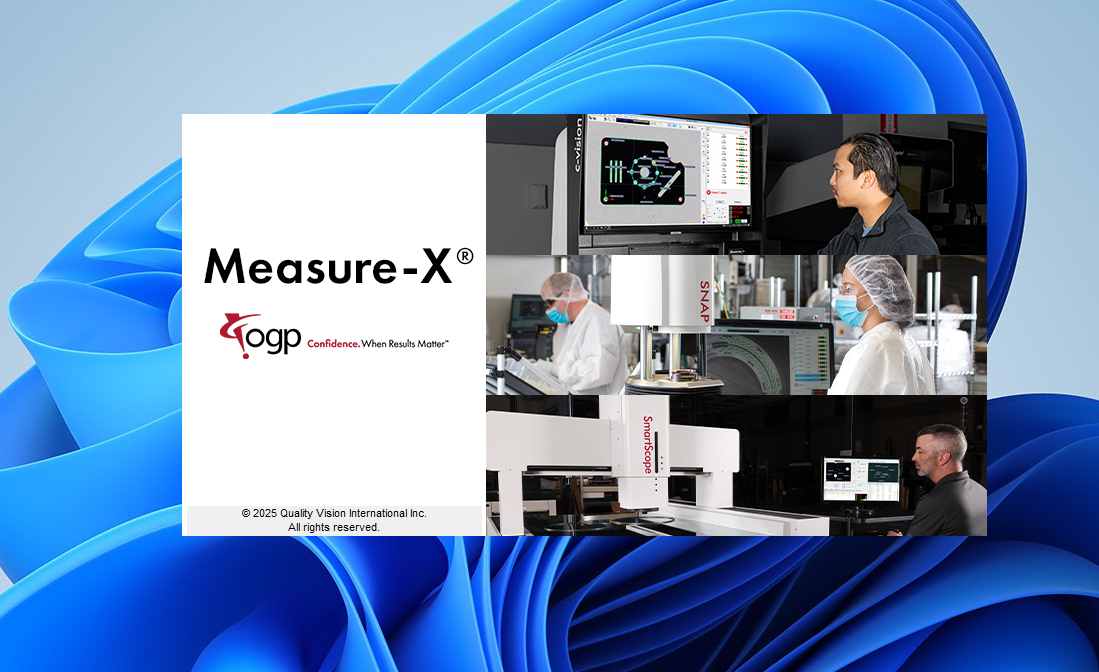
Description
What You Will Learn
After completing this training course, you will be able to:
• Select appropriate targets for manual alignments and measurements
• Select appropriate tools to automatically analyze and measure features
• Set up a part for measurements and define datums
• Inspect part features using the Measure and Construct functions
• View measurement results in the Model window
• Create, save, and run inspection routines
• Enter nominal values and tolerances from dimensional drawings
• Edit inspection routines by changing, copying, inserting, and deleting steps
• Generate output indicating in-tolerance and out-of-tolerance conditions
• Use the Measure-X Help system to find desired information
Course Overview
This Measure-X training course is organised into the following sections:
Section 1: Getting Started
Section 2: User Interface
Section 3: The Basics
Section 4: Manual Targets and Automatic Tools
Section 5: Feature Measurements
Section 6: Feature Constructions
Section 7: Creating Part Programs
Section 8: Reference Information
These sections guide learners step-by-step through the core functionality of Measure-X, from initial setup to advanced inspection routines and reporting.
Course Requirements
You should have a working knowledge of the following topics, which are not covered in this course:
• XYZ coordinate systems
• Reading dimensional drawings (blueprints)
• Powering up and using a personal computer (PC)
• Basic part measurement concepts
• Basics of geometric dimensioning and tolerancing (GD&T)
Reviews
There are no reviews yet.